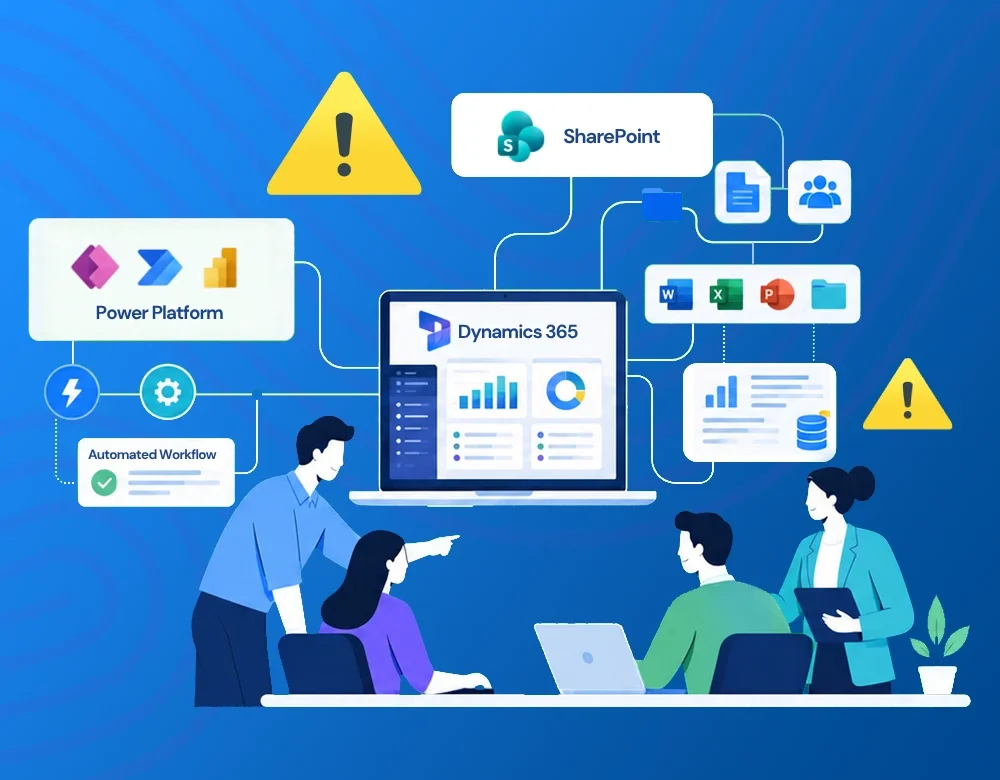

Many Microsoft implementation projects face delays, budget overruns, or poor user adoption-not because of the platform, but because of avoidable planning mistakes.
Implementing a Microsoft business solution can transform the way your organization manages operations, collaborates across teams, and makes data-driven decisions. Whether you’re planning a Microsoft Dynamics 365 implementation, deploying Power Platform applications, or modernizing document management with SharePoint, success depends on much more than choosing the right technology.
Many Microsoft implementation projects face delays, budget overruns, or poor user adoption-not because of the platform, but because of avoidable planning mistakes.
Having delivered Microsoft-based business solutions across industries, we’ve found that successful projects begin with clear business objectives, quality data, realistic planning, and strong stakeholder involvement-not simply with software selection.
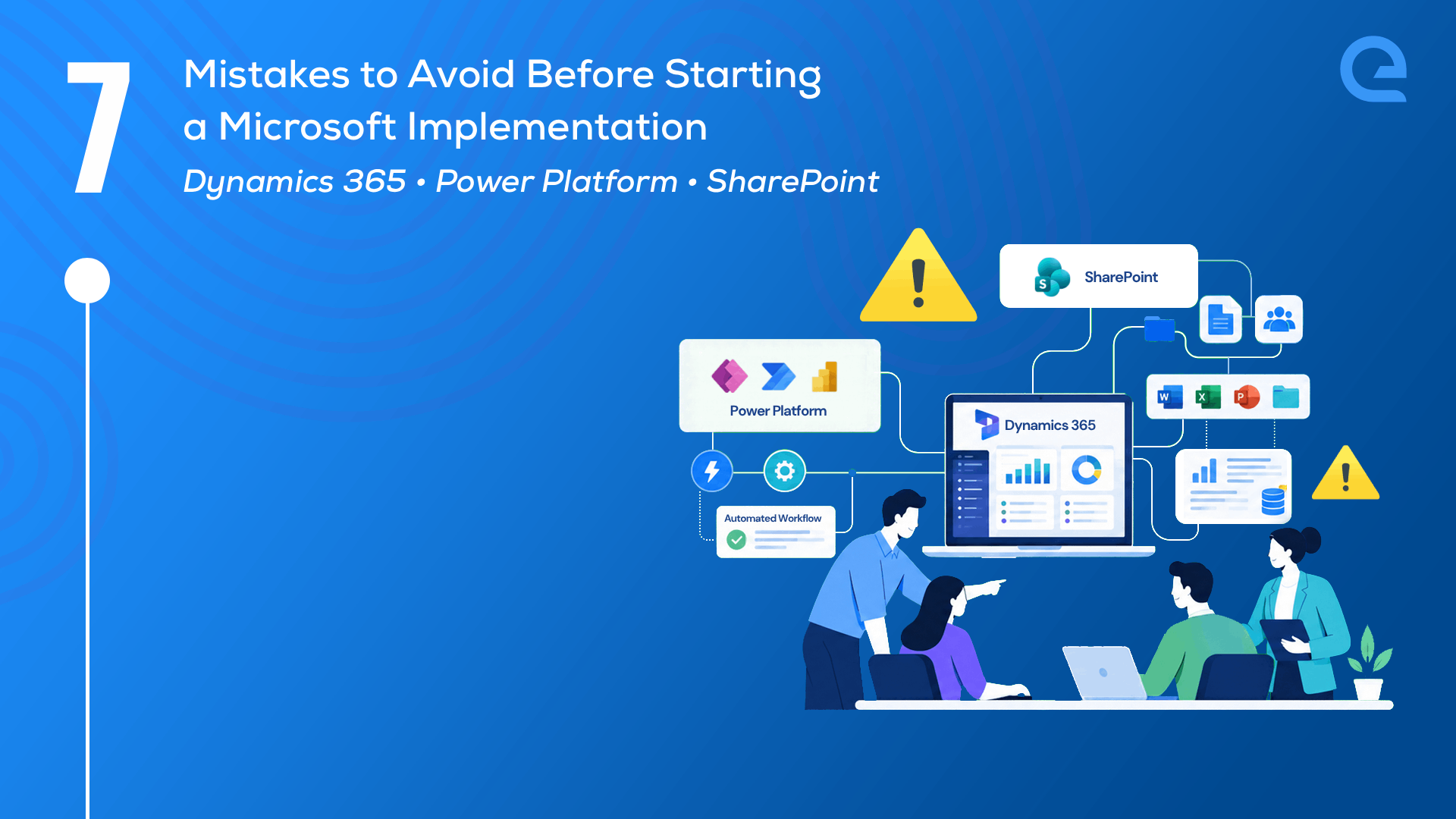
Before you start your Microsoft implementation journey, consider these seven common mistakes and how to avoid them.
1. Start Your Microsoft Implementation with Clear Business Goals
One of the biggest mistakes organizations make is selecting technology before defining the business problem they want to solve.
Before evaluating Microsoft business solutions, ask questions such as:
- Which business processes need improvement?
- Which manual activities consume the most time?
- Which KPIs should improve after implementation?
- What measurable business outcomes are expected?
Technology should always support business strategy-not replace it.
2. Choose the Right Microsoft Business Solution
Microsoft offers a wide range of business applications, each designed for different needs.
Selecting the wrong platform often results in unnecessary customization, increased costs, and lower user adoption.
Consider the Microsoft solution that best fits your requirement:
- Sales & CRM → Dynamics 365 Sales
- Customer Service → Dynamics 365 Customer Service
- Finance & Operations → Dynamics 365 Finance
- Document Management → SharePoint
- Internal Collaboration → Microsoft Teams
- Workflow Automation → Power Automate
- Low-Code Applications → Power Apps
- Business Intelligence → Power BI
Choosing the right Microsoft solution at the beginning saves significant time and effort later in the project.
3. Clean Your Data Before Migration
Microsoft implementation is only as good as the data that powers it.
Migrating duplicate, outdated, or inconsistent information into a new system simply transfers existing problems.
Before migration:
- Remove duplicate records
- Standardize naming conventions
- Validate customer and supplier information
- Archive obsolete records
- Review data ownership
Clean data improves reporting accuracy, automation, and user confidence.
4. Avoid Unnecessary Customization
Microsoft platforms are designed with extensive built-in capabilities. Many organizations attempt to customize every process, increasing implementation costs and making future upgrades more complex.
Whenever possible:
- Configure before customizing
- Follow Microsoft best practices
- Use low-code capabilities where appropriate
- Customize only when there is a genuine business requirement
Keeping customizations manageable makes long-term maintenance easier and reduces technical debt.
5. Plan Integrations Early
Business applications rarely operate in isolation. A successful Microsoft implementation should consider integration requirements from the very beginning.
Common integrations include:
- ERP systems
- HR applications
- Finance software
- Websites
- Customer portals
- Third-party APIs
- Microsoft 365
- Power BI dashboards
Planning integrations early helps avoid costly redesigns later.
6. Prioritize User Adoption and Change Management
Even the best Microsoft solution can fail if employees are not prepared to use it.
Successful organizations:
- Involve end users early
- Identify business champions
- Provide role-based training
- Document new business processes
- Gather user feedback after deployment
Technology adoption is ultimately a people initiative-not just an IT project.
7. Plan Beyond Go-Live
Implementation is not the finish line. A successful Microsoft business solution should continue evolving as your business grows.
Your long-term roadmap should include:
- Performance monitoring
- Security reviews
- Platform updates
- Feature enhancements
- Business process optimization
- Power BI reporting improvements
- Governance reviews
Organizations that continuously improve their Microsoft ecosystem achieve greater long-term value from their investment.
Microsoft Dynamics 365, Power Platform, SharePoint, and related Microsoft business solutions provide powerful capabilities for organizations looking to improve efficiency, collaboration, and decision-making. However, successful implementations depend as much on planning, governance, quality data, and user adoption as they do on technology.
By defining clear objectives, selecting the right Microsoft platform, preparing reliable data, and planning for continuous improvement, organizations can significantly reduce implementation risks while maximizing long-term business value.
Whether you’re planning your first Microsoft implementation or modernizing an existing environment, investing time in these seven areas will help build a scalable, secure, and future-ready solution.
Planning a Microsoft implementation?
For over 25 years, eQuadriga has helped organizations design, develop, and modernize business applications using Microsoft technologies and enterprise solutions. Today, our capabilities span Dynamics 365, Power Platform, SharePoint, Power BI, custom application development, and AI.
Whether you’re evaluating a new Microsoft solution or modernizing an existing one, we can help you assess your requirements, identify the right approach, and build a scalable roadmap aligned with your business goals.
Let’s start with a conversation before you invest. 👉 Contact us today!